You just realized the IRS could ask for your Real Estate Professional Status (REPS) documentation, and you have weeks or even months of unlogged hours. Your stomach drops. You know the 750-hour threshold matters, and gaps in your log could sink your entire REPS claim. But before you panic, know this: forgetting to log hours is one of the most common mistakes real estate professionals make, and there are legitimate ways to recover.
This guide walks you through the recovery process step by step, explains what the IRS actually expects, and shows you how to prevent gaps from ever happening again.
Why Logging Gaps Are Dangerous
The IRS does not require any single specific format for your REPS hour log. There is no magic form or government-issued template. What they do require, under Treasury Regulation 1.469-5T(f)(4), is a contemporaneous daily time report, log, or similar document that records services performed, the time spent, and the dates of the work.
The keyword there is “contemporaneous,” meaning created at or near the time the work was performed. A log reconstructed entirely from memory months or years later carries far less weight than one maintained in real time. Tax courts have repeatedly rejected REPS claims where the taxpayer presented a log that was obviously created after the fact, particularly when it contained suspiciously round numbers, identical daily entries, or lacked any corroborating evidence.
That said, “contemporaneous” does not mean “instantaneous.” Courts have accepted logs that were reconstructed within a reasonable period, especially when the taxpayer could point to supporting evidence that corroborated the reconstructed entries.
Step 1: Stop and Assess the Damage
Before you start filling in blanks, take stock of where you stand.
Ask yourself these questions: How far back do the gaps go? Are we talking about a few missed days, a couple of weeks, or several months? Do you have any partial records for the gap period, such as calendar entries, emails, text messages, or photos? Were you performing consistent, recurring activities during the gap, or was your schedule irregular?
The answers will determine your reconstruction strategy. A two-week gap with strong supporting evidence is very different from a six-month gap with nothing to back it up.
Step 2: Gather Every Piece of Supporting Evidence
This is where the real work begins. Go through every possible source of data that can help you reconstruct what you were doing and when.
Calendar entries. Your phone calendar, Google Calendar, or Outlook calendar may show property-related appointments, contractor meetings, showings, or inspections. Even personal calendar entries can help establish that you were free to perform real estate work on certain days.
Email and text messages. Search your email for communications with tenants, contractors, property managers, vendors, real estate agents, and lenders. These provide timestamped evidence of real estate activity. Text messages with contractors or tenants can be especially valuable because they show real-time communication about property issues.
Bank and credit card statements. Purchases at hardware stores, payments to contractors, utility payments, and travel expenses related to properties all create a paper trail that places you in real estate activity on specific dates.
Phone location history. Google Maps Timeline, Apple Maps history, or your phone’s location services may show visits to your properties, hardware stores, or other relevant locations.
Mileage logs. If you track mileage for tax purposes, those records can corroborate travel to and from properties.
Photos. While photos alone do not prove participation (more on this in our separate article on photo evidence), they do carry metadata showing dates and locations that can help you pin down when you were at a property.
Contractor invoices and receipts. These show when work was being performed on your properties, which can help you recall your supervisory or coordination activities during those periods.
Step 3: Reconstruct Your Log Honestly
With your supporting evidence assembled, begin filling in the gap period. Here are the ground rules for doing this the right way.
Be specific, not generic. Do not write “property management” for four hours every day. Instead, describe the actual work: “Reviewed three tenant applications for 123 Oak Street, called references, ran background checks.” Specificity signals authenticity.
Use realistic time increments. Entries that are all exactly one hour or exactly 30 minutes look fabricated. Real work happens in irregular chunks. If you spent 47 minutes on the phone with a plumber, log 47 minutes, not one hour.
Do not inflate. The temptation to pad hours during reconstruction is enormous. Resist it completely. An inflated log is worse than a gap-filled log because it undermines the credibility of every entry, including the legitimate ones. If you genuinely cannot remember whether something took 30 minutes or 45 minutes, go with the lower number.
Mark reconstructed entries. Some tax professionals recommend noting which entries were reconstructed and which were contemporaneous. This shows the IRS you are being transparent rather than trying to pass off a reconstructed log as a real-time record.
Cross-reference everything. For each reconstructed entry, note the supporting evidence. “Called roofer about leak at 456 Elm (see text message thread dated 3/15)” is far more defensible than an entry with no corroboration.
Step 4: What NOT to Do
Certain recovery tactics will make your situation worse, not better. Avoid these mistakes at all costs.
Do not fabricate entries. Creating log entries for work you did not perform is fraud. If the IRS examines your return and finds fabricated entries, you face penalties far beyond losing your REPS deduction. You could face accuracy-related penalties of 20% to 75% of the underpayment, or even criminal fraud charges in extreme cases.
Do not backdate a spreadsheet. If you create a new spreadsheet today and try to make it look like it was maintained throughout the year, digital metadata (file creation dates, modification timestamps) can expose the deception. The IRS has forensic tools to detect this.
Do not copy entries from a prior year. Even if your activities are similar year to year, copying a previous year’s log word-for-word is a red flag. Your actual activities, even routine ones, vary from day to day.
Do not round everything to neat numbers. A log where every single entry is exactly 1 hour, 2 hours, or 30 minutes looks artificial. Real work does not happen in perfect increments.
Do not ignore the gap. Leaving blank spaces in your log and hoping the IRS will not notice is not a strategy. If you are audited, gaps are the first thing an examiner will question.
Step 5: Implement a System to Prevent Future Gaps
The best recovery plan is one you never need again. The single most effective step you can take is to adopt a logging system that makes daily tracking effortless.
Log at the point of activity. The best time to log an entry is immediately after you finish the work, while the details are fresh. Waiting until the end of the day means you forget things. Waiting until the end of the week means you forget more. Waiting until tax season means you are back to reconstruction.
Use your phone. Your phone is always with you, and it can sync with your calendar and location data. A purpose-built REPS tracking app on your phone eliminates the friction that causes gaps in the first place.
Set a daily reminder. If you cannot log in real time, set a daily alarm to review and record the day’s activities before bed. Five minutes at the end of the day saves hours of reconstruction later.
Sync your calendar. If your real estate activities show up on your calendar, a tracking system that can import calendar events automatically fills in much of the log for you.
When Reconstruction Is Not Enough
There are situations where reconstruction simply will not save your REPS claim. If you genuinely did not perform more than 750 hours of real estate work during the tax year, no amount of creative logging can change that. The hours requirement is a factual threshold: either you did the work or you did not.
Similarly, if you spent more time on a non-real-estate job than on real estate activities, the more-than-half test will disqualify you regardless of how well your real estate hours are documented.
In these situations, the honest answer may be that you do not qualify for REPS for that tax year. Accepting that reality and filing correctly is always better than constructing a fraudulent log that collapses under examination.

Key Takeaways
- Gaps in your REPS log are recoverable if you act promptly and have supporting evidence to corroborate reconstructed entries.
- The IRS values specificity, realistic time increments, and corroborating documentation over round-number logs with no backup.
- Never fabricate entries, backdate spreadsheets, or copy prior-year logs. These tactics invite penalties far worse than losing a deduction.
- Reconstruction quality depends entirely on the supporting evidence you can gather: emails, texts, receipts, calendar entries, and location data.
- The permanent fix is adopting a real-time logging habit, preferably with a tool designed specifically for REPS tracking.
- If the hours genuinely were not worked, no recovery strategy can substitute for the actual time requirement.
Frequently Asked Questions
How far back can I reconstruct my REPS hours?
There is no hard legal limit on how far back you can reconstruct, but credibility decreases rapidly with time. Entries reconstructed within a few weeks and supported by contemporaneous evidence (emails, receipts, calendar entries) are far more defensible than entries reconstructed months later from memory alone.
Will the IRS accept a reconstructed log?
The IRS prefers contemporaneous logs, but courts have accepted reconstructed logs when they were supported by credible corroborating evidence. The key factors are specificity, consistency with other records, and honest presentation. A well-documented reconstruction is better than no log at all.
Can I amend a prior-year return to add REPS if I reconstruct my hours?
Technically, you can file an amended return (Form 1040-X) for any open tax year (generally three years from the filing date). However, claiming REPS on an amended return with a reconstructed log invites scrutiny. Consult a tax professional before taking this step.
What if I only have partial records for some months?
Partial records are better than no records. Use whatever you have to establish a pattern, then fill in gaps conservatively. For example, if your emails show you communicated with contractors every Tuesday and Thursday in March, and you have no reason to believe April was different, you can cautiously apply a similar pattern while noting the basis for your estimate.
Is there a minimum number of days I need to have logged?
There is no minimum number of days. What matters is that your total hours exceed 750 for the year and that your real estate hours exceed your hours in any other trade or business. However, a log that shows activity on only 50 days out of the year while claiming 750 hours will face heavy scrutiny because it implies unrealistically long daily sessions.
Should I hire a tax professional to help with reconstruction?
If the gap is significant (more than a month or two) and the dollars at stake are material, hiring a CPA or tax attorney experienced in REPS claims is strongly advisable. They can help you build the strongest possible case and identify risks you might miss on your own.
Does using a tracking app protect me from gaps in the future?
A purpose-built REPS tracking app significantly reduces the risk of gaps because it makes logging quick and accessible. Apps that sync with your calendar, send reminders, and allow you to log from your phone eliminate most of the friction that causes gaps. The key is actually using the app consistently.
Keeping a defensible REPS log does not have to be complicated or time-consuming, but it does have to be consistent. REPSLog is built specifically for real estate professionals who need to track qualifying hours for REPS. With calendar sync, daily logging reminders, and detailed activity categorization, it eliminates the friction that leads to gaps in the first place. Available on iOS, Android, and Web, REPSLog helps you build the kind of contemporaneous, detailed log that stands up to IRS scrutiny.
This article is for educational purposes only and does not constitute tax or legal advice. Consult a qualified tax professional for guidance tailored to your situation.
Do this in REPSLog
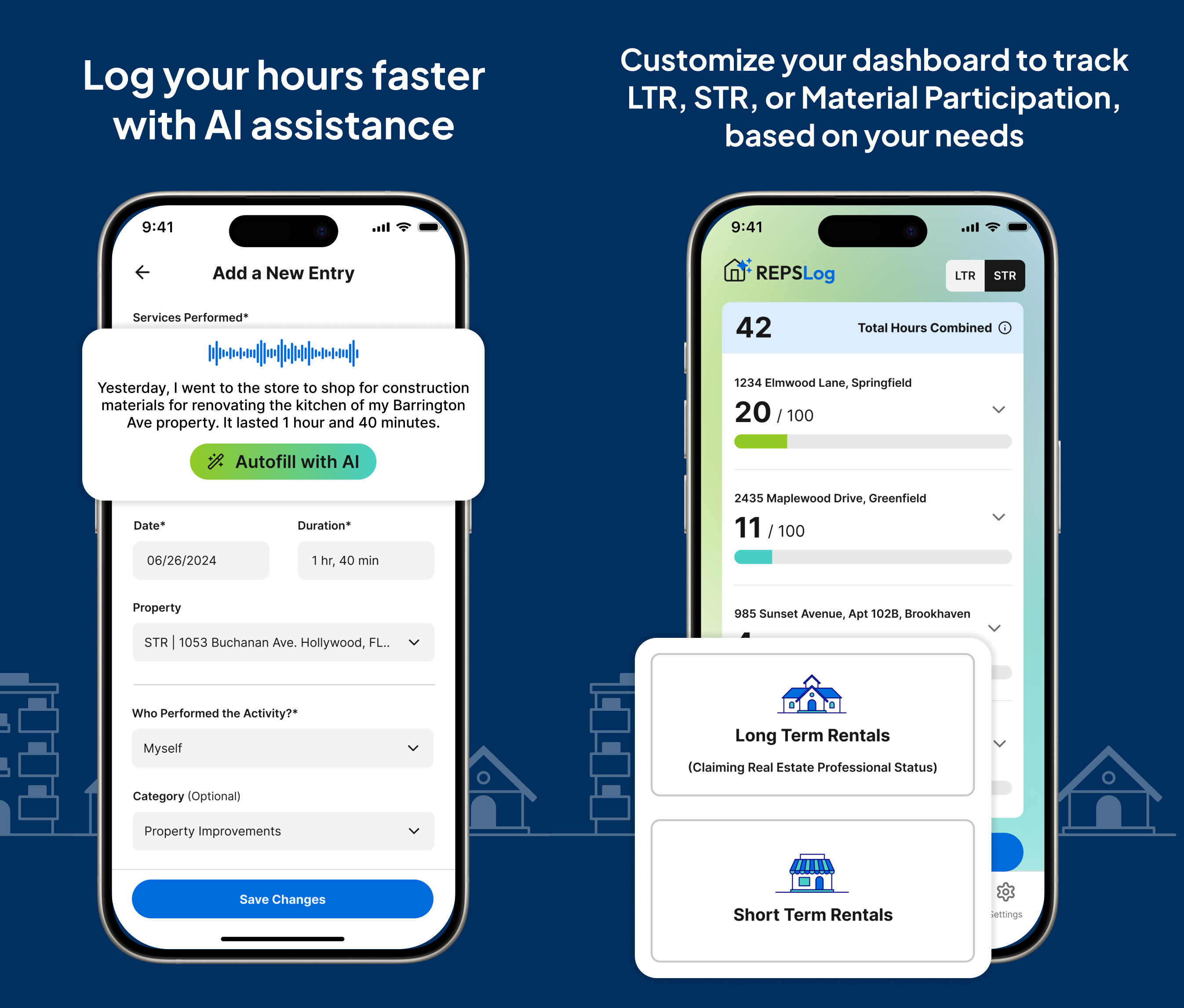
- Calendar Integration (Google, Microsoft 365, device): turn past Google, Microsoft 365 or device calendar events into logged hours.
- CSV Import: bring a spreadsheet log into REPSLog on the web app.
- Backdate Entries: log past work on the date it happened, back to 2020.
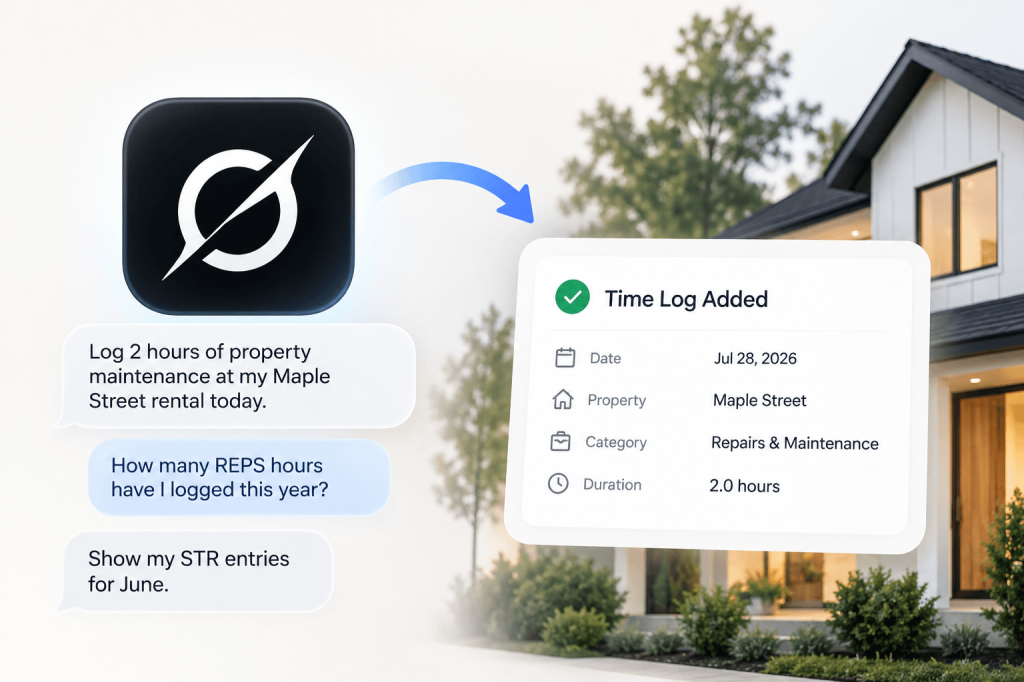
- Voice Logging: dictate an entry; duration, property and date are picked out as you speak.
Step by step in the Help Center: how to use it. Try REPSLog free for 14 days on iPhone, Android or the web app.