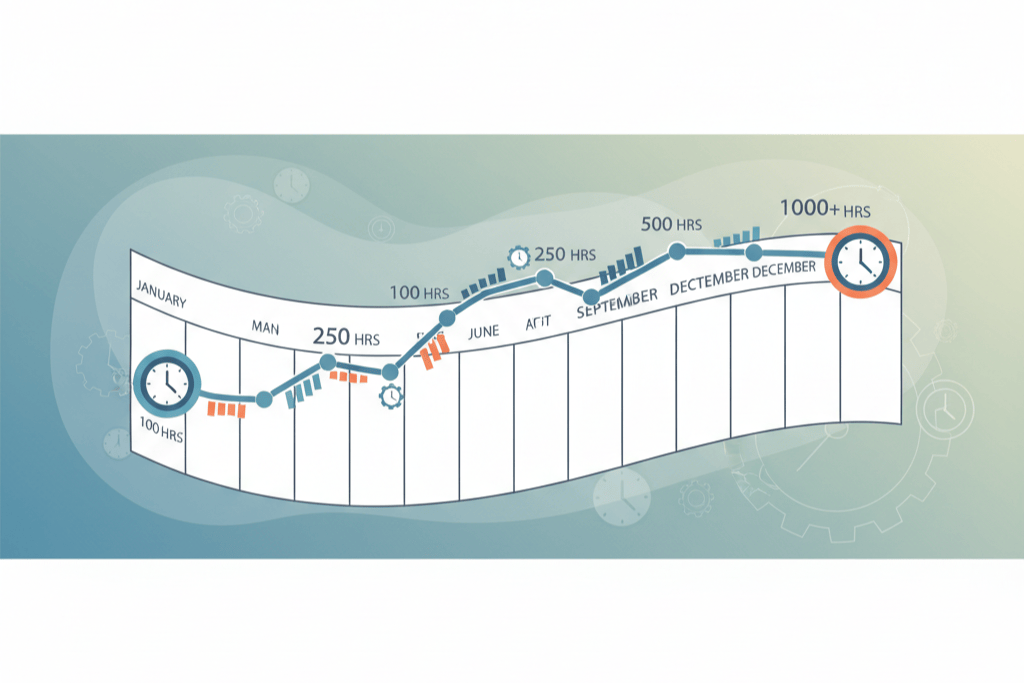
Most investors start tracking REPS hours in a spreadsheet, because that is what they had open. The problem shows up later: no per-property totals, no evidence attached, and a file whose modification date is the only proof of when rows were added. Moving to REPSLog does not mean abandoning the rows you already have. CSV Import brings them across, and Backdate Entries handles the days you missed. What it does not do is invent a log you never kept, and the difference matters, so that is where this post starts.
Migrating a real log versus reconstructing one
If you kept a spreadsheet during the year, it is a contemporaneous record and importing it preserves that. If you have gaps, the forgot-to-log recovery guide is clear about the rule: reconstruct from evidence (calendar, emails, receipts), within a reasonable time, and never fabricate. Courts have accepted logs reconstructed soon after the fact with corroboration, and rejected logs written years later from memory. REPSLog records when each entry was created, and the export can show it, so a batch imported in September looks like what it is. That is fine when the source was a real log; it is not a substitute for one.
What CSV Import does
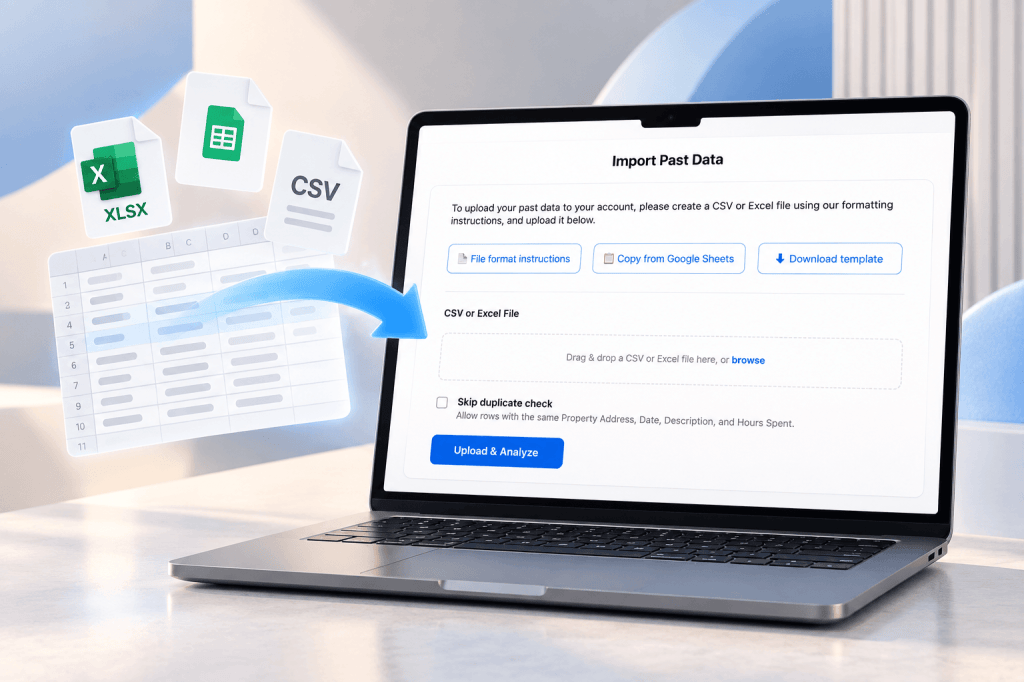
CSV Import takes a .csv, .xlsx, .xls or .xlsm file, checks every row, helps you match columns and values to your account, and writes the rows as entries. It runs in a desktop browser at app.reps-log.com; the phone apps point you there.
The template. The import page links to a Google Sheets template. The columns are Property Address, Date, Hours Spent, Description, Who Performed the Activity and Category. Header names are case-insensitive and common aliases are understood, so Property, Address, Hours, Duration, Notes or Participant map on their own. If your spreadsheet already has these, you may not need to change anything.
Column mapping. Click Upload & Analyze. If a column is not recognised, the CSV Mapping Required step shows each header next to a drop-down of REPSLog fields with a best guess preselected, and Skip this column as an option.
Property, category and participant mapping. Any property address, category or participant name that does not match your account is listed with the number of rows it affects. For each one, pick an existing item, choose Create as New, or add a property on the spot with an address search and an LTR / STR toggle. Blank categories default to Other and blank participants to Myself.
Validation. Dates are read as M/D/YYYY, D/M/YYYY or YYYY-MM-DD, with the format detected from the file and a conflict flagged if it mixes them. Hours must be a positive number up to 24. Description must not be empty. Rows that repeat the same property, date, description and hours are flagged as duplicates. If anything fails, the import stops and lists every problem by row and column. Nothing is written until the whole file passes.
How to import a spreadsheet
- Sign in at app.reps-log.com on a desktop browser and open Settings, then Import Data.
- Line your columns up with the template, or leave them and map them in the next step. Save as CSV or keep the workbook (first sheet only).
- Click Upload & Analyze.
- Confirm the column mapping if asked.
- Map unknown properties, categories and participants: pick existing ones, create new ones, or add a property with the LTR / STR toggle.
- Fix any rows the validation lists, re-upload, and click Import with Mappings. The wizard reports the entries imported, the properties touched and the date range.
The Help Center article How do I upload/import past tracked data into my REPSLog account? has the template link and screenshots.
For the odd missed day: Backdate Entries
You do not need a spreadsheet for three entries from last week. Every entry has a required Date field, and you can set it to any day from January 1, 2020 to today on the ordinary form. Future dates are refused. The entry is saved with that performed date, which is what your log, your Overview totals and your export use; the created and last-edited timestamps stay in the background and never override it. An entry dated three months ago drops into its place three months down the log. Details on the Backdate Entries page.
For a repeated task you forgot for several weeks, duplicate an existing entry and change only the date. For a whole month, your calendar is usually faster than either: Calendar Integration turns past events into entries in bulk with the date and duration carried over.
Good to know
- CSV Import and Backdate Entries are on every plan, including Free. Imported entries, properties, categories and participants must fit your plan’s limits; if a file would push you past one, REPSLog says so before writing anything.
- Import is web only. Backdating works on iPhone, Android and the web app.
- Up to 2,000 rows and 5 MB per import, and up to 10 imports per 24 hours. For larger files, use Contact us on the import page.
- Prepare a separate file for short-term rental properties, or set a new property to STR during mapping.
- A row with an Entry ID updates that existing entry instead of creating a second one, which is how you fix a batch after the fact.
- Read-only access to an account cannot run an import.
Frequently asked questions
Can I import my REPS hours from Excel?
Yes. .xlsx, .xls and .xlsm are accepted directly; only the first sheet is read.
Do I have to match the template exactly?
No. Common header names are recognised, and anything else is mapped in the wizard with a drop-down per column.
What if my property names do not match?
The wizard lists every unmatched name with its row count and lets you pick an existing property or create one, with an address search and an LTR / STR toggle.
Will a bad row wipe out the rest?
No. Validation runs on the whole file first. A file with errors writes nothing until you fix them.
Is backdating allowed?
Setting the real performed date on an entry is what the Date field is for. What is not allowed is inventing hours; REPSLog keeps the creation timestamp so the record is honest either way.
Related reading
- The real estate professional logbook
- Starting to track REPS hours mid-year
- The 5 best methods for tracking your REPS hours
Try REPSLog free for 14 days on iPhone, Android or the web app.
This article is general information, not tax advice. Whether a reconstructed period will hold up is a question for your CPA.